To create your MiLogin account:
From the UIA home page, Michigan.gov/UIA, click on "Log in to MiUI"
If you have already created a MiLogin account with another department, use your existing user ID and password to log in to the MiLogin portal.
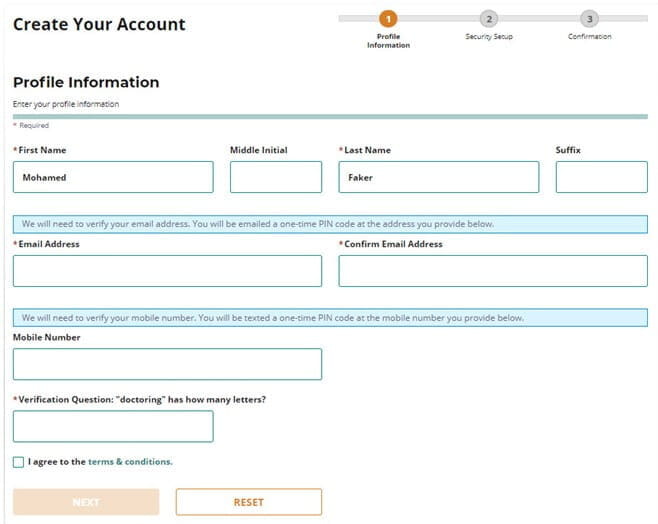
1. Enter your profile information and input and verify email address and phone number.
It is recommended that you include both an email address and a mobile phone number. The email address or mobile number should be unique. This means they cannot be in use by an existing user. Having a unique email and mobile number will allow you to reset your own password or retrieve a forgotten username without having to call UIA. You will be sent a one-time pin at your email address or your mobile phone to verify. You will need to enter the PIN before you are able to continue.
2. Create your User ID and password and select your security options.
It is recommended that you use multiple security options (email, mobile and security questions) so you can regain access to your MiLogin account if you forget your password. If you chose email and mobile, these options will automatically be selected. You also have the option to add security questions.